A website for an auto repair shop: book a drop-off, see prices and work out a monthly payment
An auto repair website needs three things a driver can do from a phone: call or book a drop-off time, see what common repairs cost and understand how the shop works. Our live demo, Wrenfield Motor Works, does all three today, and we build a shop's own version free from your work order in 2 to 3 business days; the website itself then costs $30 a month with everything in it.
For you, that means you can show a shop owner the finished thing in five minutes and charge your own fee for setting it up and looking after it.
What a repair shop owner asks for
- Call first. On a phone, a full-width Call button sits right under Book a service in the first screen.
- Book a drop-off time. A booking form with a drop-off time from the appointment calendar, in the shop's own time zone; bookings land in the admin and by e-mail.
- Prices on the page. A clear price list and a price FAQ, including the warranty question.
- "Pay over time". Drivers pick a repair and a term and see the monthly payment, worked out from example rates that are clearly labelled.
- How a visit works. A 3-step strip that explains the shop's process (on the demo: drop off, photos of anything worn sent to your phone, you approve each item).
- Answers at 10 PM. The site's AI concierge answers questions about prices, hours and cars from the site's own facts.
- Services with photos, a visit page and an app on drivers' phones, built in: every iNterGine site installs on a phone like an app; try it on the demo.
What the driver sees, on a phone

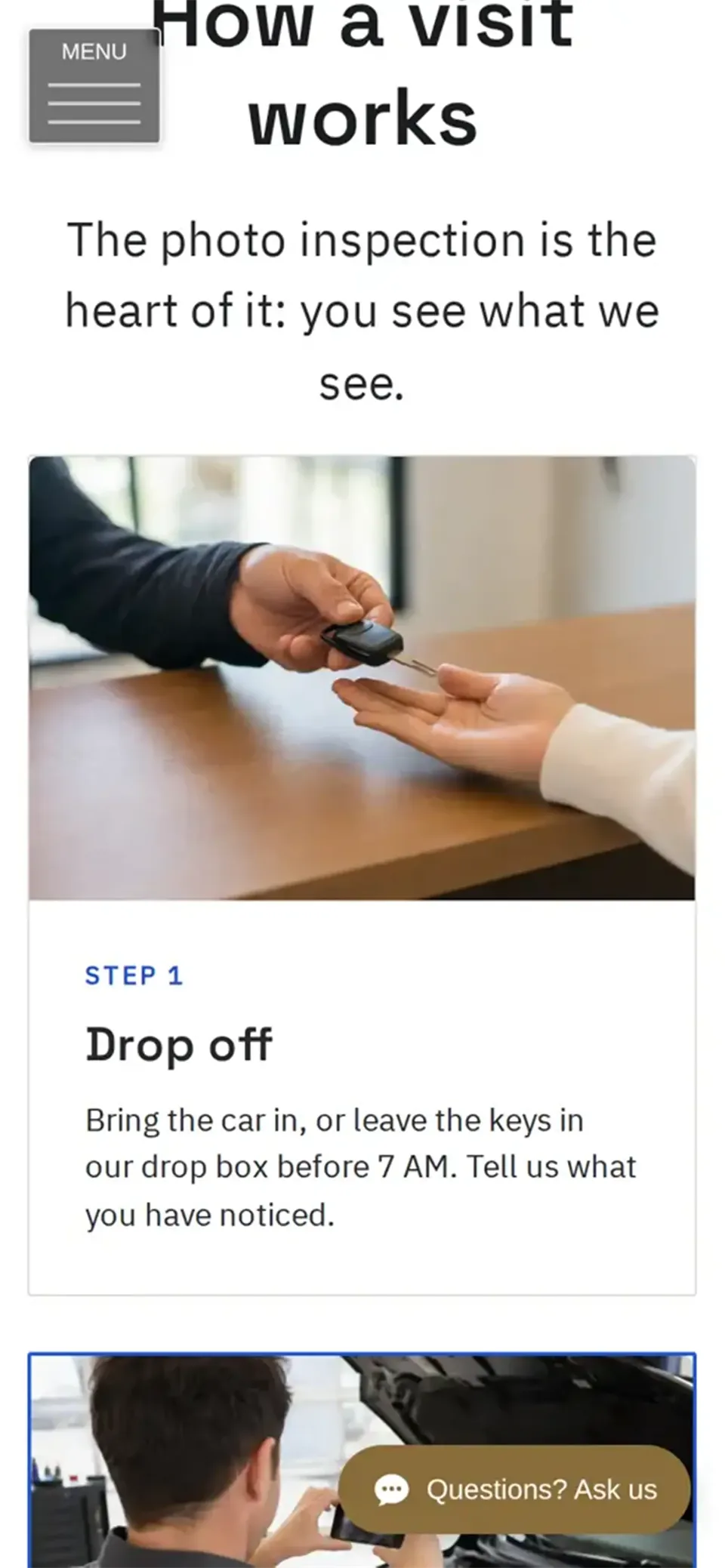
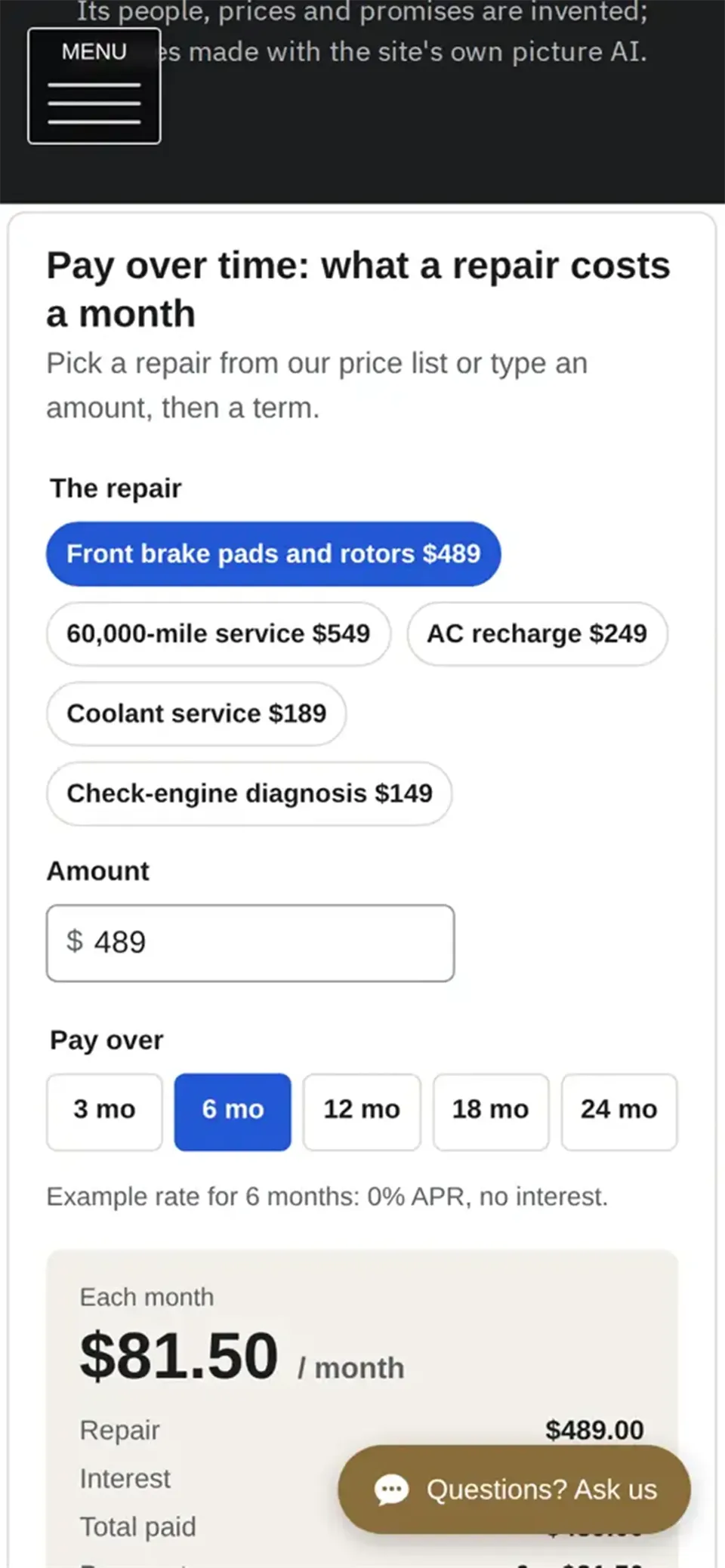
A five-minute walk-through for the meeting: hand your phone over on the demo's home page and point at the Call button; open How It Works; open Prices and try Pay over time; open Book and show the drop-off times (do not send it); then show the demo tour. Wrenfield is a fictitious shop in Scottsdale, Arizona; its people, prices and promises are invented, there is no real inspection app behind the photo-inspection page, and its photos were made with the site's own picture AI: say so when you show it.
What it costs the shop, and what you earn
We build the website free from your work order, in 2 to 3 business days. The website then costs $360 a year ($30 a month), with everything in it: online store, booking, forms, blog, members area, phone app and SEO tools. Your set-up fee and your monthly care fee come on top, and you keep all of it; iNterGine takes no cut. How to set them: how much to charge for a small business website.
Where something else may fit better
- Shops that send digital inspections and estimates from shop-management software should keep it; the website explains the process and links to it. The demo has no inspection app behind its page, and says so.
- Financing: the payment tool only works out a monthly amount from example rates. Real financing comes from the shop's lender, with the lender's own terms.
- Owners who want to design every detail themselves may prefer Wix's editor and template library.
Need something extra that the site does not do yet? Our in-house app development team can build it.
Questions shop owners ask
Can we use our own prices, services and photos?
Yes. The work order asks for the services, prices, warranty, hours and photos; the demo's shop and pictures are only examples.
Where do bookings go?
Into the site's admin, and by e-mail to the address the shop chooses.
Can we set our own repairs and rates in the payment tool?
Yes. We set your repairs and your lender's rates when we build your site. To change them later, ask your webmaster.
How long until the site is live?
We build it in 2 to 3 business days from the work order.
Where these facts come from
- Every feature above: the live demo wrenfield.intergine.com and its demo tour, checked as a visitor 7 November 2026.
- Price and build time: the iNterGine home page and the Program Rules, read 7 November 2026.
More guides: all guides for webmasters, a website for a plumber, and a website for a vet practice.